
Run your schedule. Don't let it run you.
Everything you need to manage availability and team schedules: organized, flexible, and made for the way you run your practice.
Keep things running smoothly, with seamless calendar
Say goodbye to daily hiccups and hello to a practice that runs like a well-oiled machine.
ClinicSense scheduling software keeps everyone happy and helps drive revenue.


ClinicSense has everything you need to run a well-organized practice
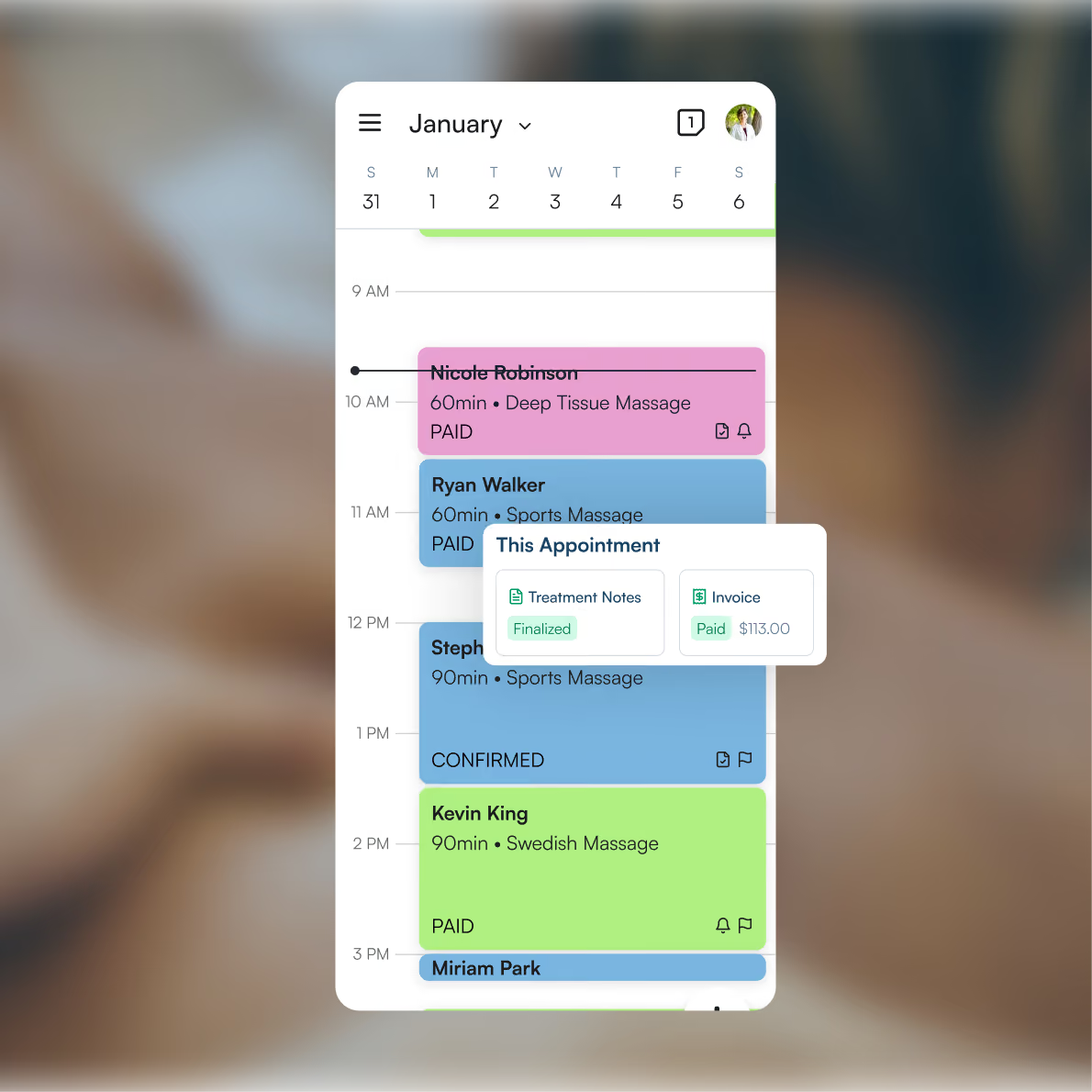
Day, week, and month views
See your calendar your way. Toggle between daily, weekly, and monthly views to stay on top of what's ahead.
Practitioner availability
Manage availability and appointments for your entire team in one shared, easy-to-navigate calendar.
Practitioner-linked services
Link services to the practitioners who offer them so every booking automatically connects the right client to the right person.
Block time off
Set automatic buffer time between appointments, schedule recurring gaps in a practitioner's availability, or add one-off personal blocks for breaks or anything else.
Color coding
Distinguish between services at a glance with a color-coded calendar so your schedule is always easy to read.
Recurring appointments
Schedule repeat visits in a few clicks and let ClinicSense handle the rest.
Appointment management
Create, edit, move, cancel, or reschedule appointments quickly without disrupting your day.
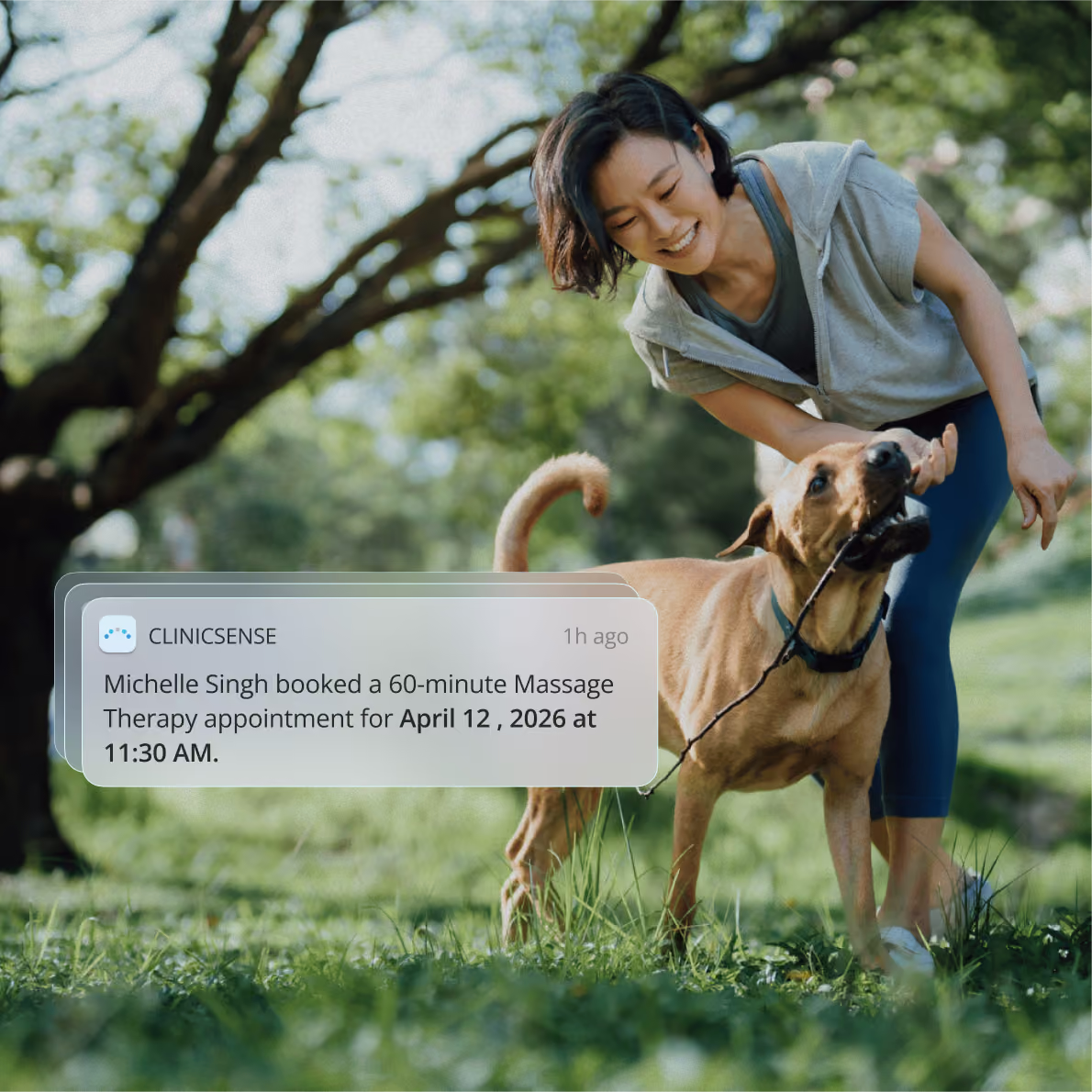
New appointment notifications
Get instantly notified whenever a new appointment is booked, so you can stay on top of your schedule.
Wait list management
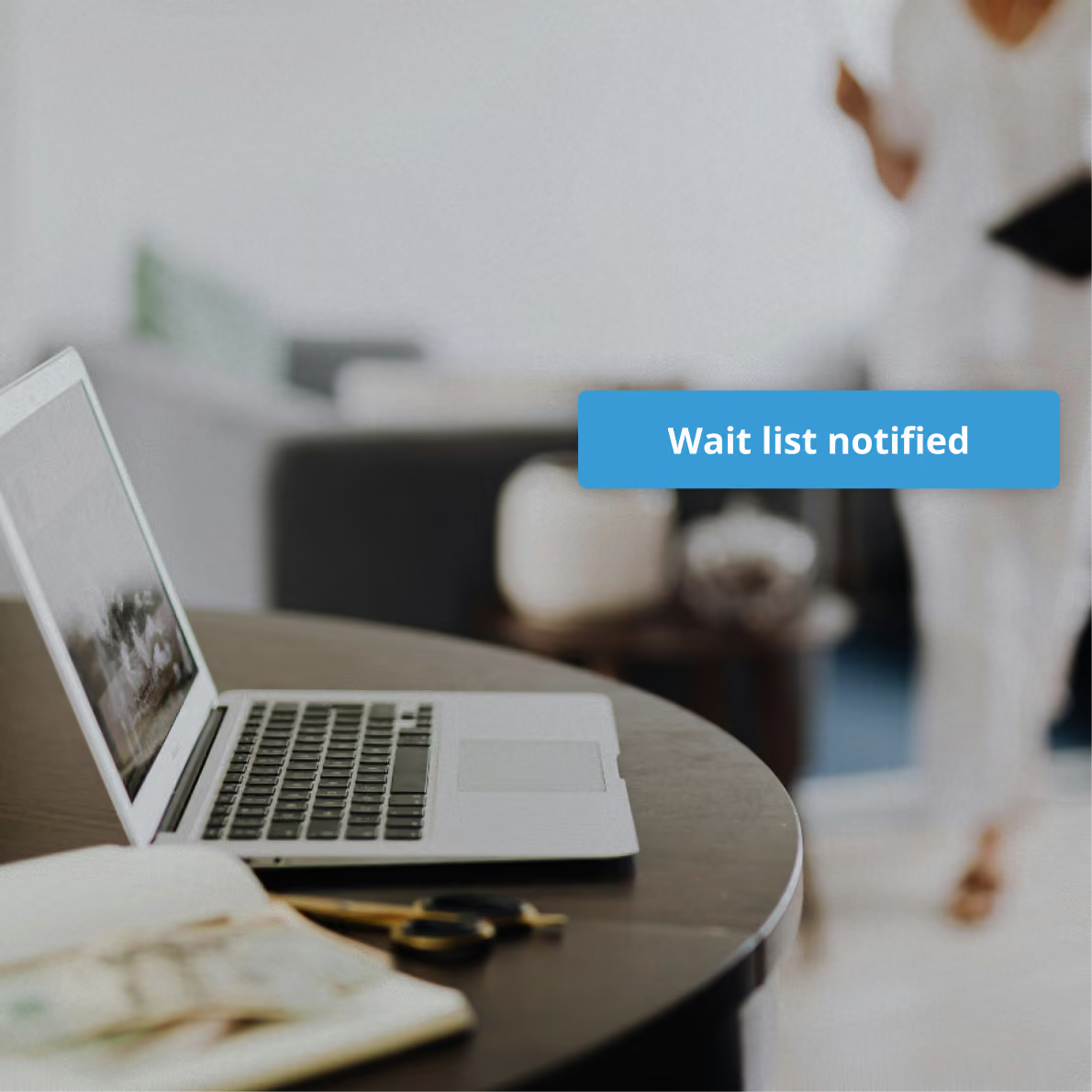
Set rules for how much notice you need before a wait list client can fill a cancellation spot so you're never caught off guard.
Why clinics love managing their schedules with ClinicSense
Hear what these real ClinicSense customers have to say.

"I love how easy it is for clients to have appointment times that suit them without the back and forth between missed calls and emails. And the e-mail reminders are great!"

"The best software for massage therapists, hands-down! It is so easy to use, and if you have any questions the customer service fom the ClinicSense team is amazing. You don't usually find this level of customer service anymore. This software is worth every penny."
Get exactly what you need
ClinicSense has flexible pricing. Choose your perfect plan based on your monthly appointments.
FAQs
Can I manage multiple practitioners on one calendar?
Can I control which services each practitioner offers?
Can I access my schedule from my phone?
What happens when I need to reschedule or cancel an appointment?
Can clients book appointments directly into my calendar?
Can I add buffer time between appointments automatically?
Does ClinicSense sync with Google Calendar?
Can I block off time for vacation or a day off?
Can I set up recurring appointments?
What happens if a client cancels last minute?
A better way to run your practice.

Start your 14-day free trial today.
